
Quick-Add to Box Links for Your Emails
You can now drop one-click "add to my box" links straight into your emails. Pick a product, and every customer who gets that email sees a personalized link that adds that exact item to their current week's box with a single click. It's great for promoting an add-on, moving a little extra stock, or a friendly "you forgot the eggs!" nudge.
To use it, open any template under Content → Email Templates, click Insert Quick-Add (Add-on) Link right below the Email Short Tags, and pick your product and quantity. You decide how it shows up in the email:
- A styled button that says "ADD TO MY BOX"
- A plain text link
- The raw URL, so you can wrap it in your own design
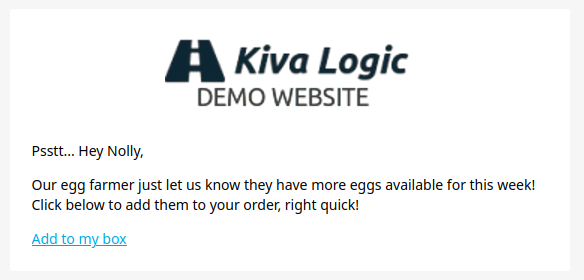
When a customer clicks, they hit a quick confirmation page, press the button, and the item is in their box.
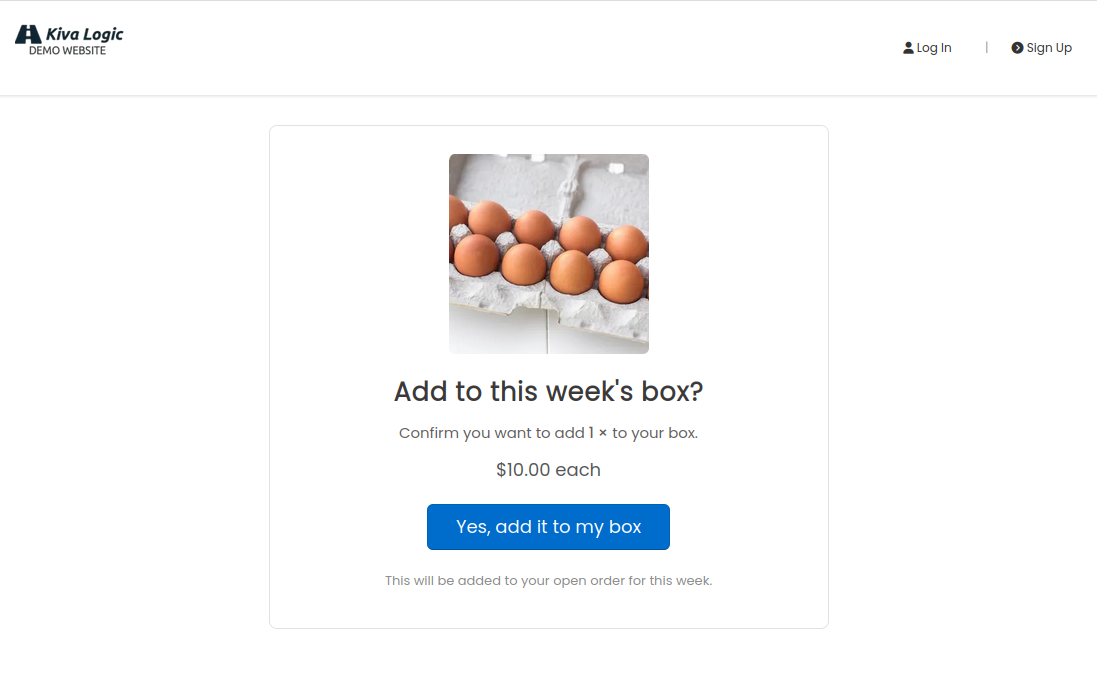
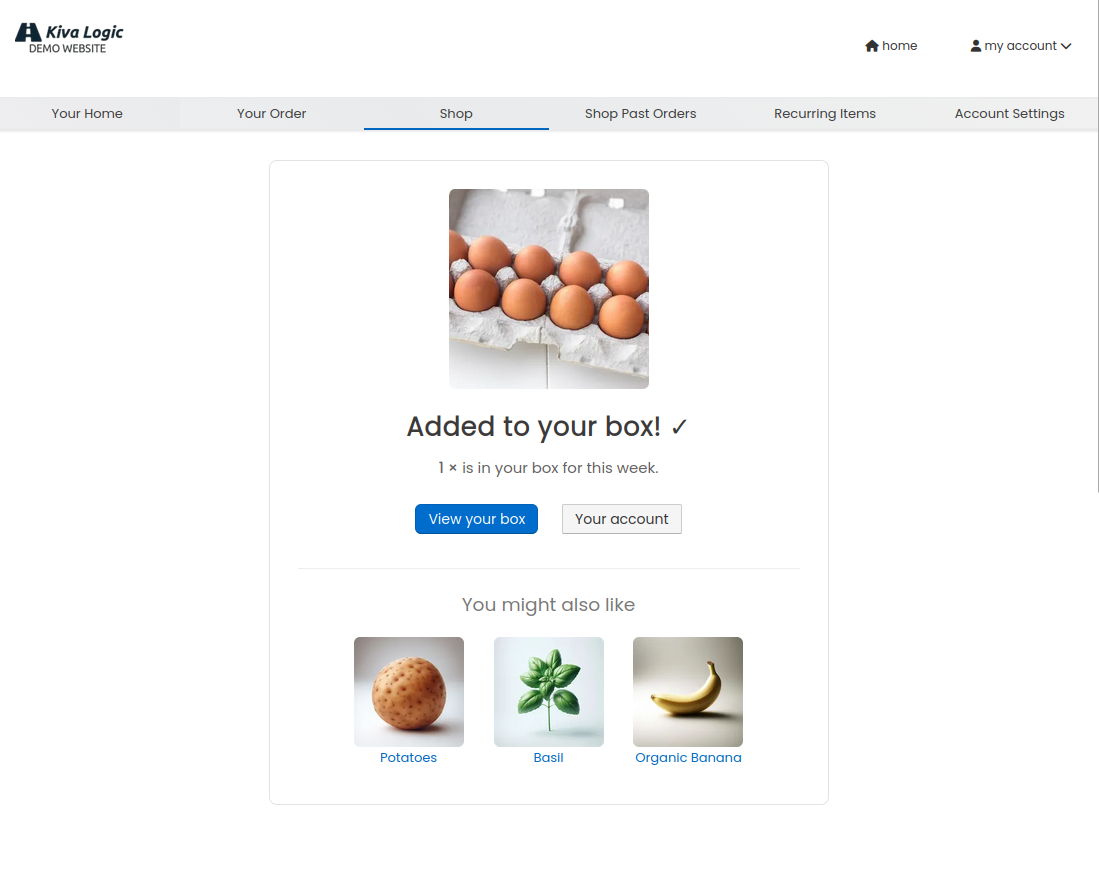
They get logged in automatically too, so they can keep shopping right from there. It only works when they have an open order for the week, it won't add the same item twice if they refresh, and if it's already in their box it just tells them so instead of stacking another one on top.
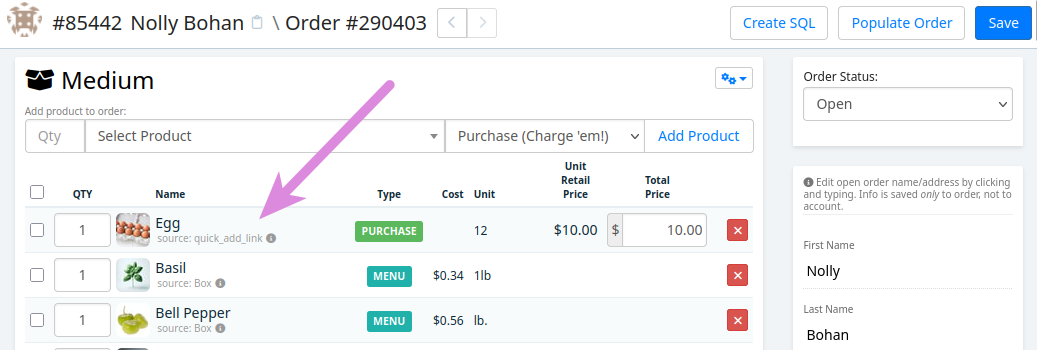
The product is added to the customer's order, and the source is set as 'quick_add_link' so you know exactly how the ordered it.
The link is personalized for each customer automatically, so there's nothing to set up per person... insert the tag once, send it out, and you're done. Give it a try on your next promo email and watch the add-ons roll in.