
A modern slide-out cart for your store
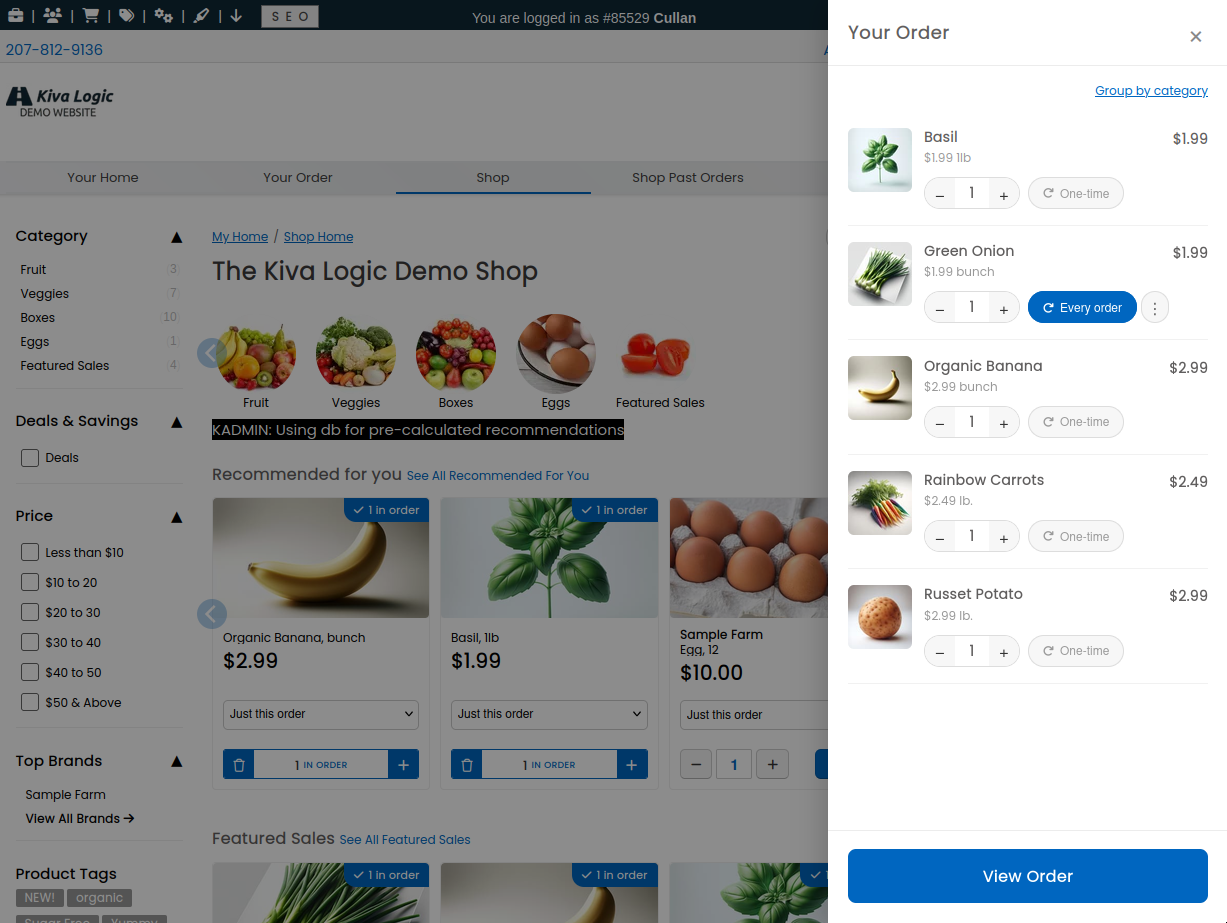
Your store can now show a modern slide-out cart. When a shopper taps the cart icon, the cart slides in from the right on desktop, or up from the bottom on a phone, right over the page they're already on. No bouncing them off to a separate cart page and losing their spot.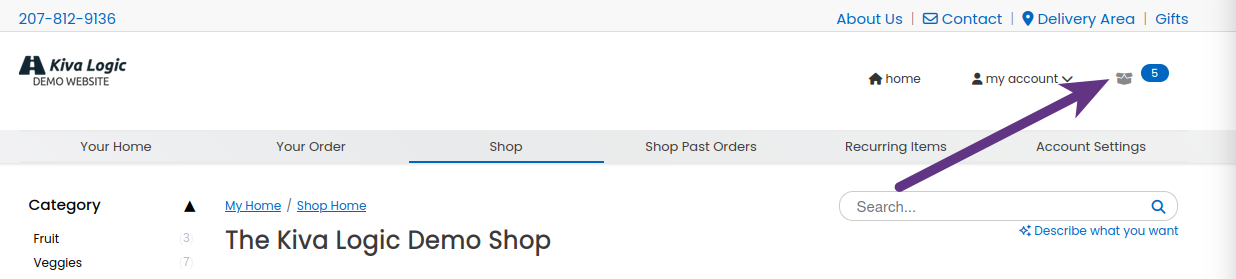
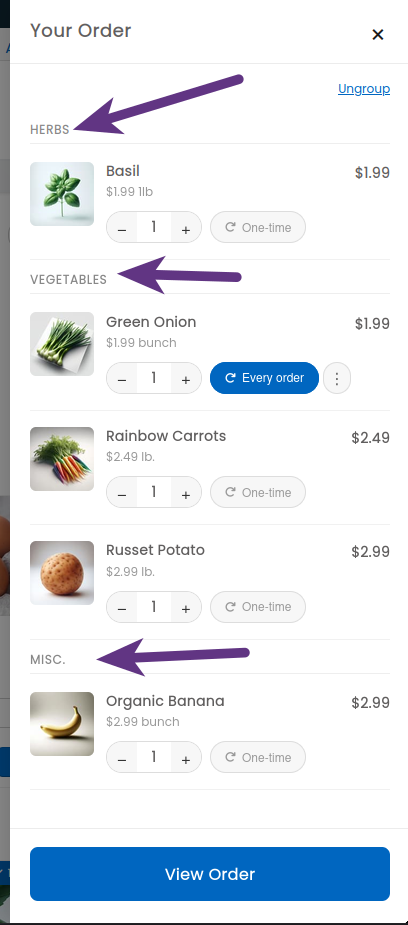
Everything happens right there in the panel. They bump quantities up and down with the little plus and minus buttons and the total updates on the spot, no page reload. Each item also gets a one-tap button to make it recurring, so a shopper can add something to every order without digging through their settings, and a small menu lets them pick every 2, 3, or 4 orders instead. There's also a quick "group by category" view so a big cart stays easy to scan.
It starts off. To turn it on, head to Settings → Software Misc and switch on the slide-out cart. It's early, so we're running it with a couple of stores first before turning it loose everywhere.