A live cutoff countdown so customers finish in time
Customers who get on at the last minute and find the ordering window already closed are a quiet source of missed revenue and support tickets. The new Cutoff Countdown Bar fixes that. When a shopper is near their route cutoff, a live countdown appears at the top of your store so they know exactly how long they have left to finish.
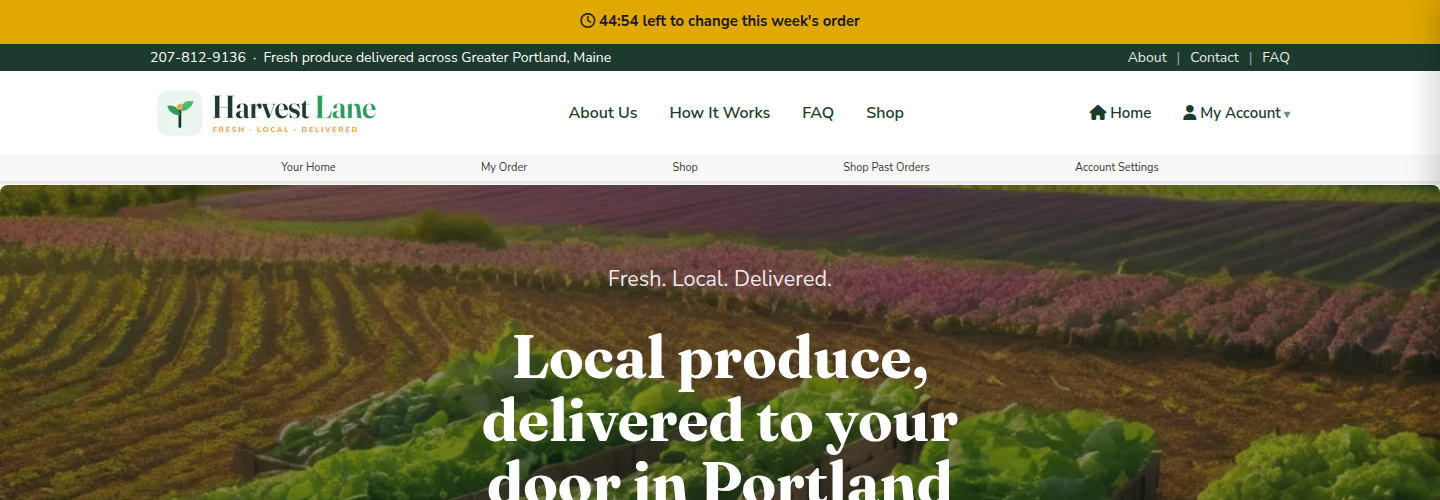
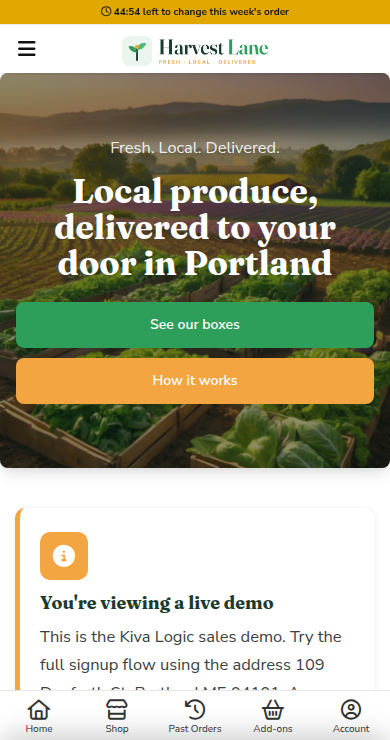
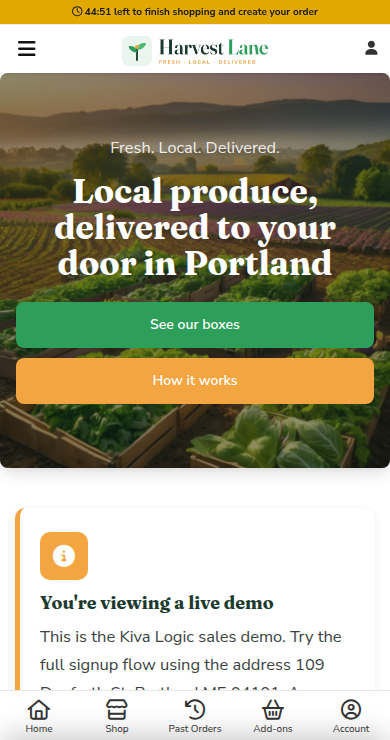
It reads the situation and shows the right message. It counts down live and turns red in the final few minutes. On desktop it sits right below your logged-in bar; on a phone it sits at the top of the screen. Here is each version on a live store.
They already have an order: time left to change it
For a customer with an open order this week, the bar shows how long they have to make changes before cutoff.
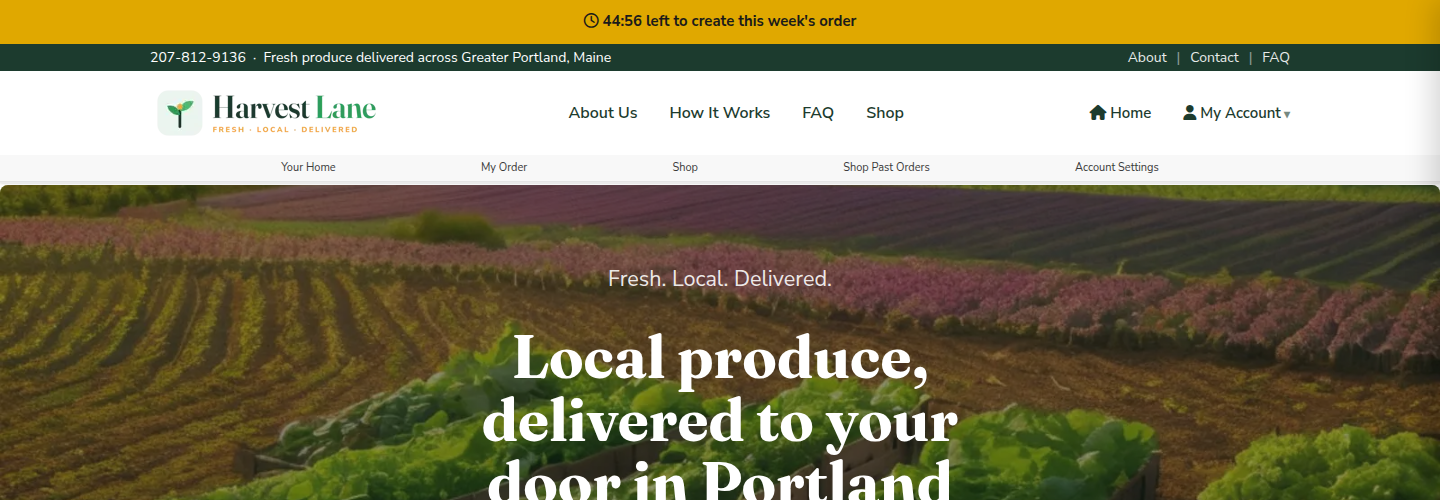
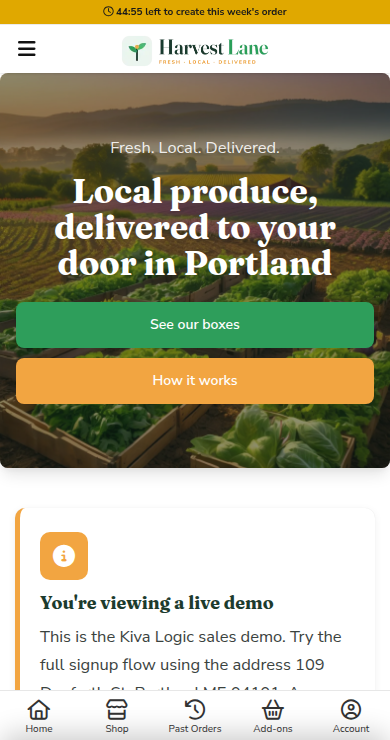
They have no order yet: time left to create one
For a logged-in customer who has not placed an order this week, the bar nudges them to create one before the window closes.
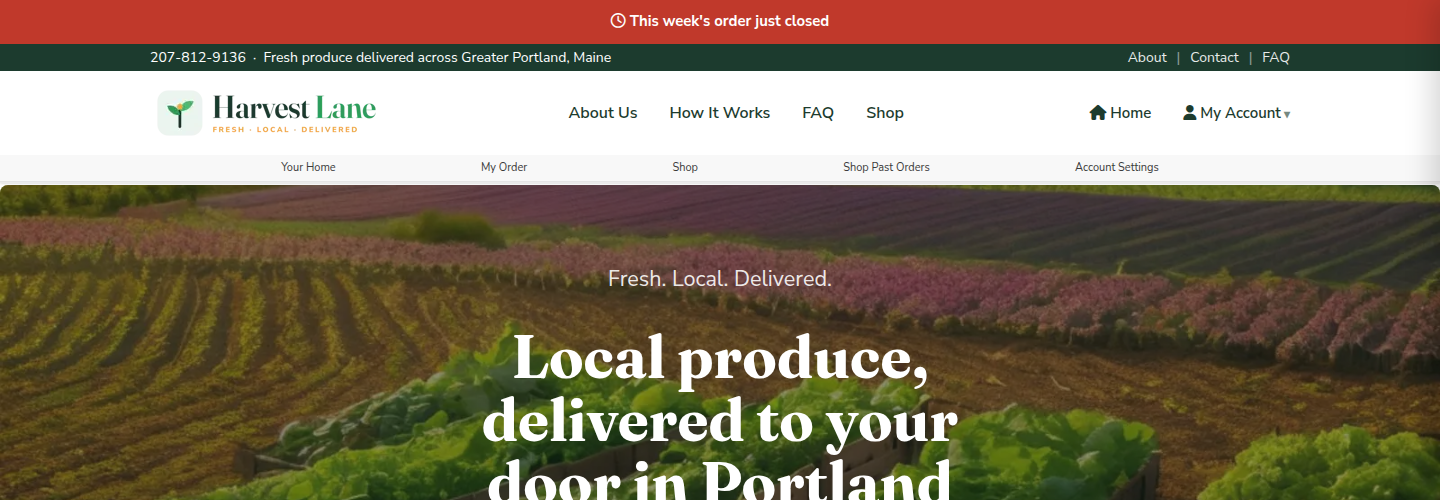
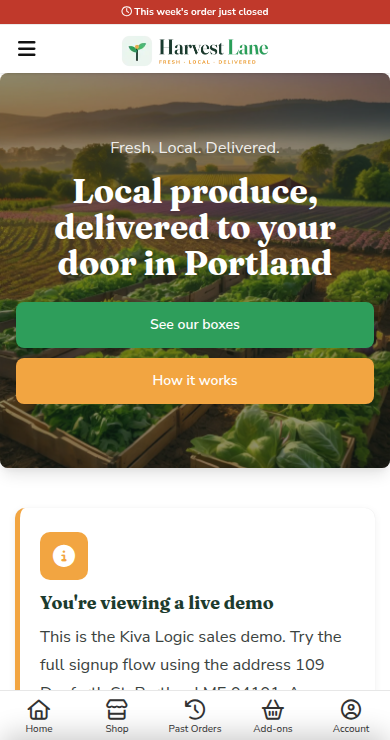
Just missed it: the order just closed
Right after cutoff, the bar turns red and tells them the window has closed, so there is no confusion about why they can no longer change this week.
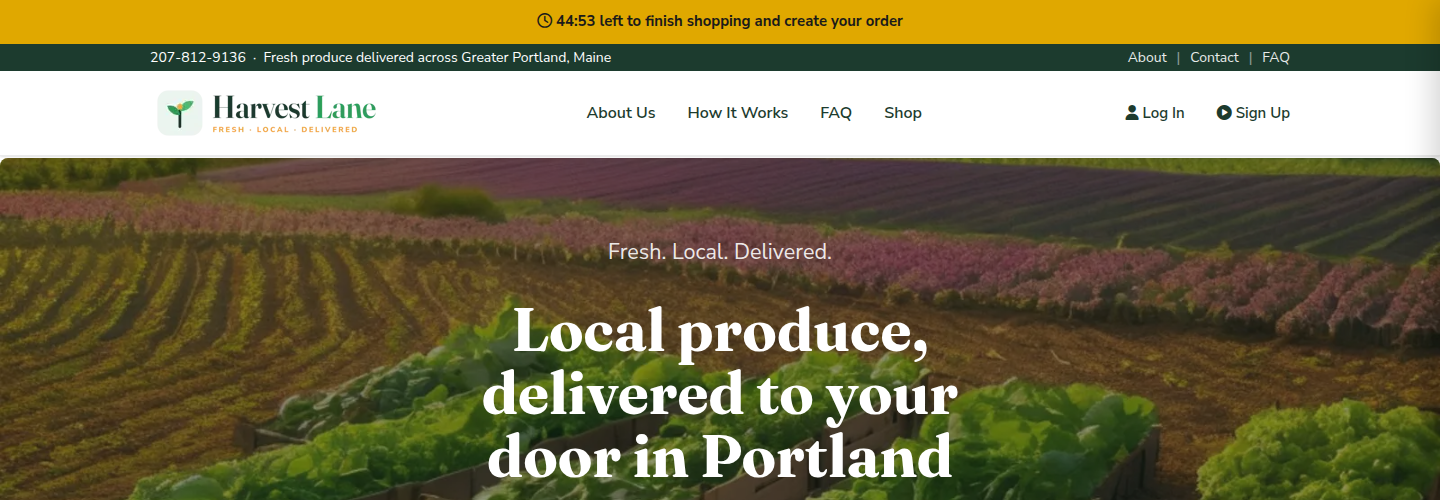
Not logged in: time left to finish shopping
In Shop-Anytime stores, a visitor who is not logged in but has entered a zip sees a countdown too, pushing them to finish shopping and create their order in time.
How to turn it on
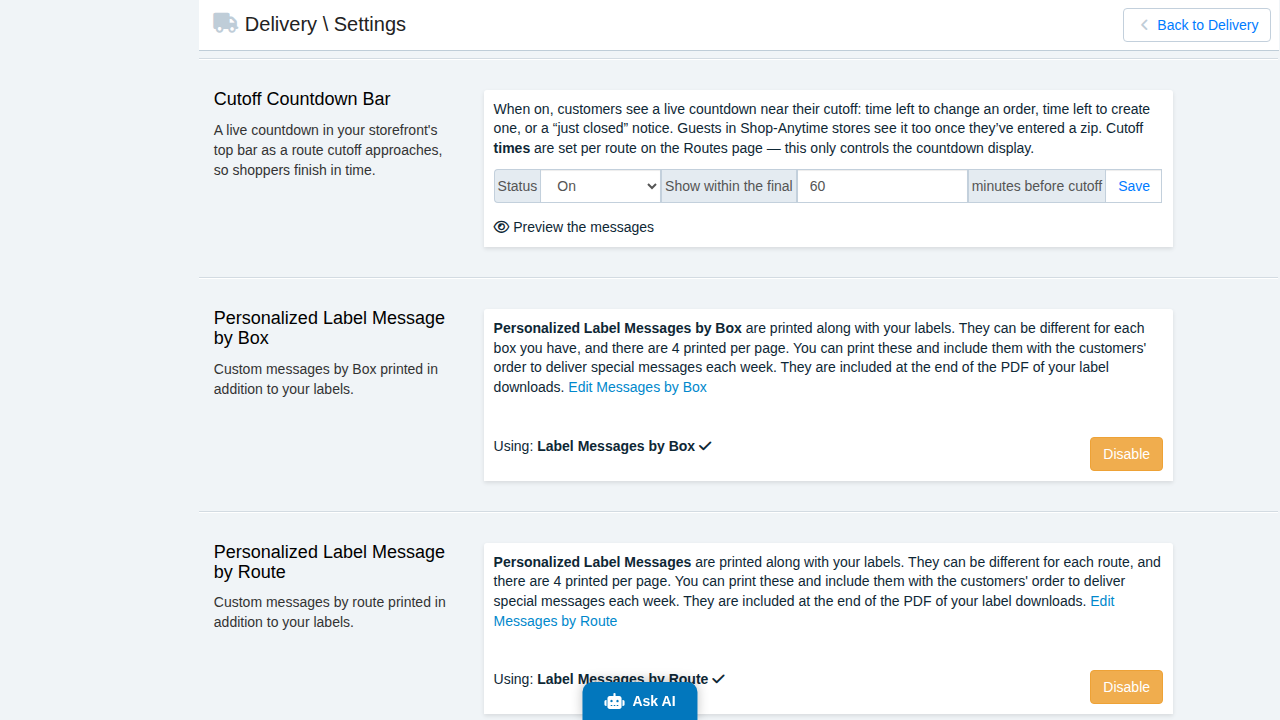
Go to Delivery, then Settings and find the Cutoff Countdown Bar card at the top. Switch it on and set how many minutes before cutoff the countdown should appear (60 is the final hour). Your cutoff times themselves still come from each route, so there is nothing else to configure. The card also has a Preview the messages link that opens your own store with each version so you can see it before you go live.